 GeoNotes
Pinned to the place
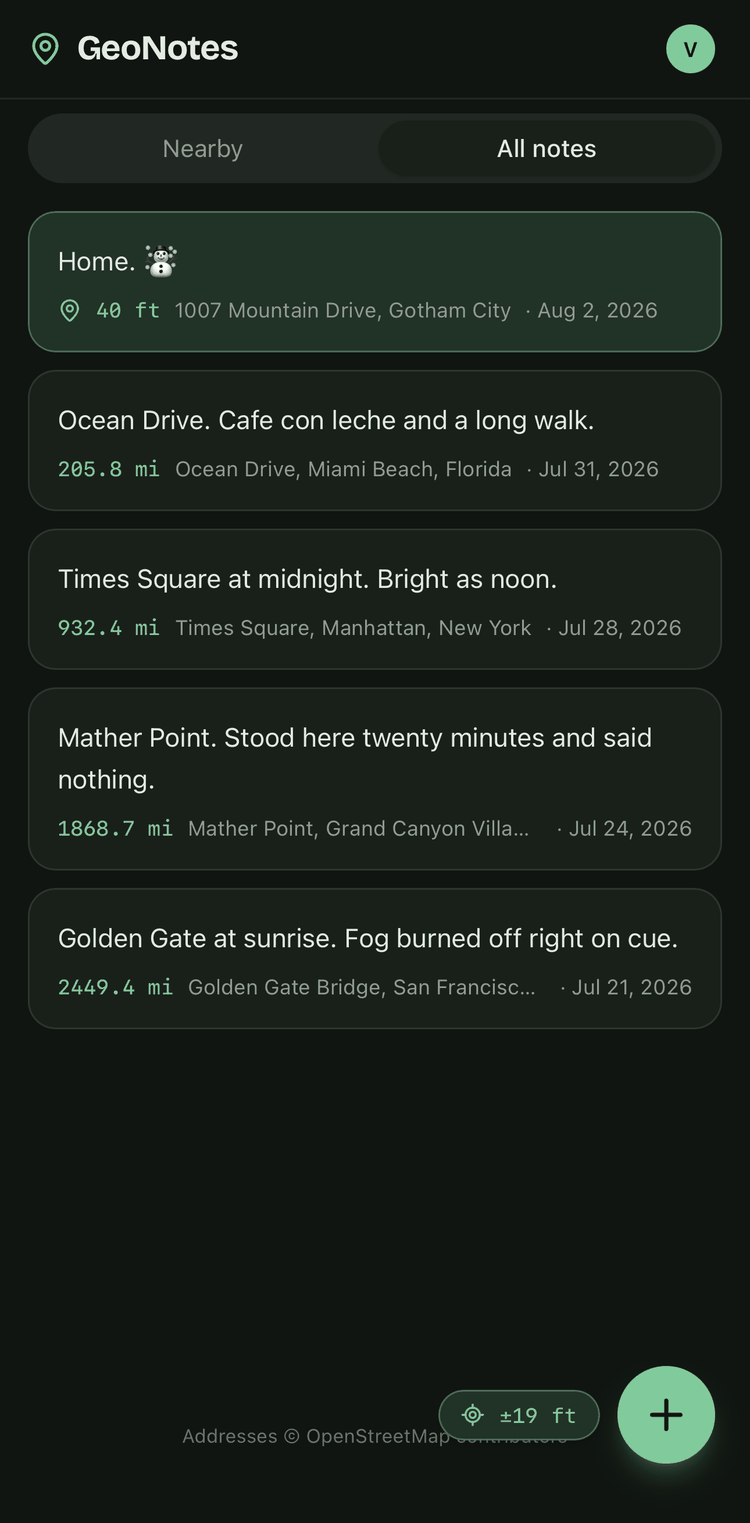
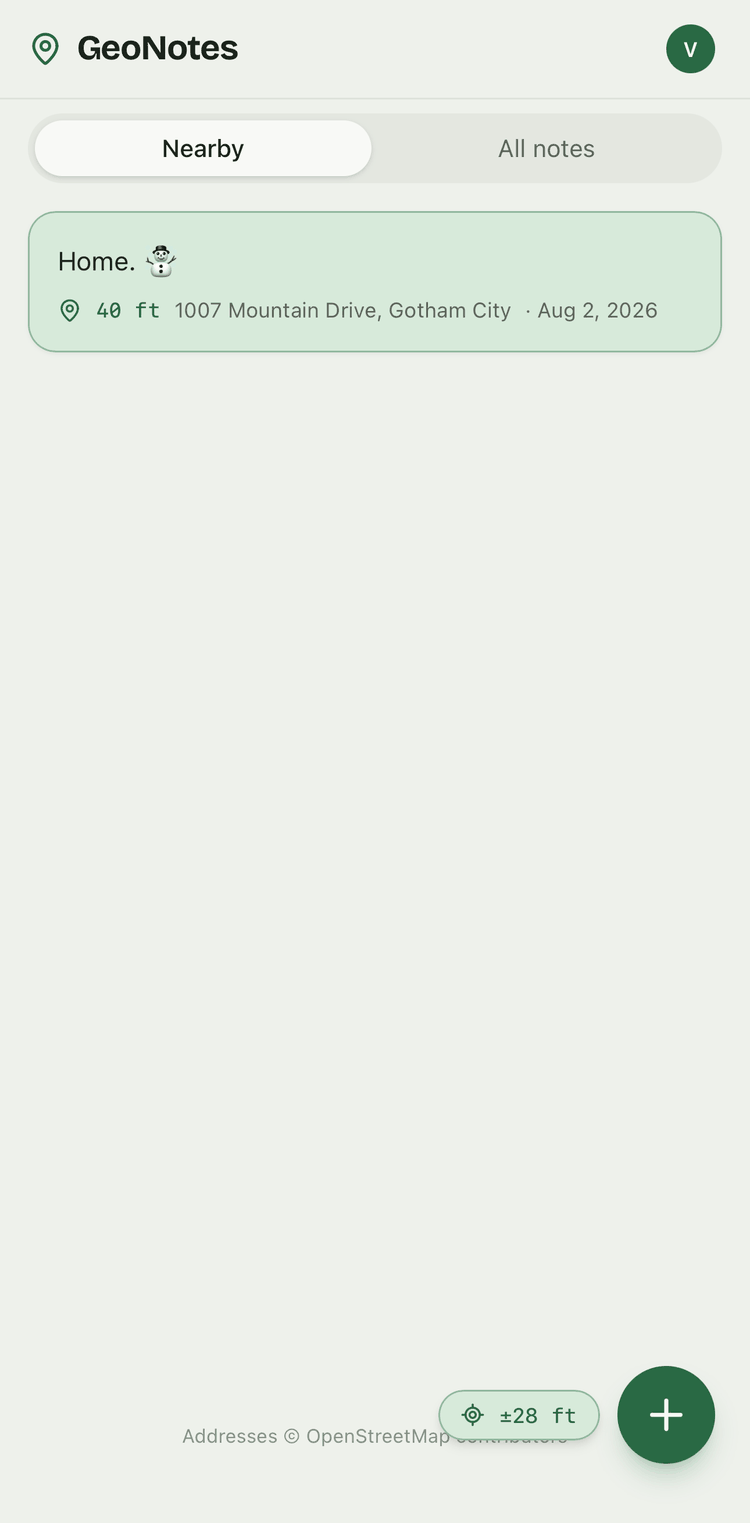
The location is read from your device the moment you tap +, never typed in. Edit the text from anywhere.
Esta página también está disponible en español.
Esta página também está disponível em português.
GeoNotes is a location notes app: it pins each note to the exact spot you wrote it. Walk back into that place and it is already on screen, waiting.
Free. Installs from the browser on any phone or desktop. The Android build is on its way.
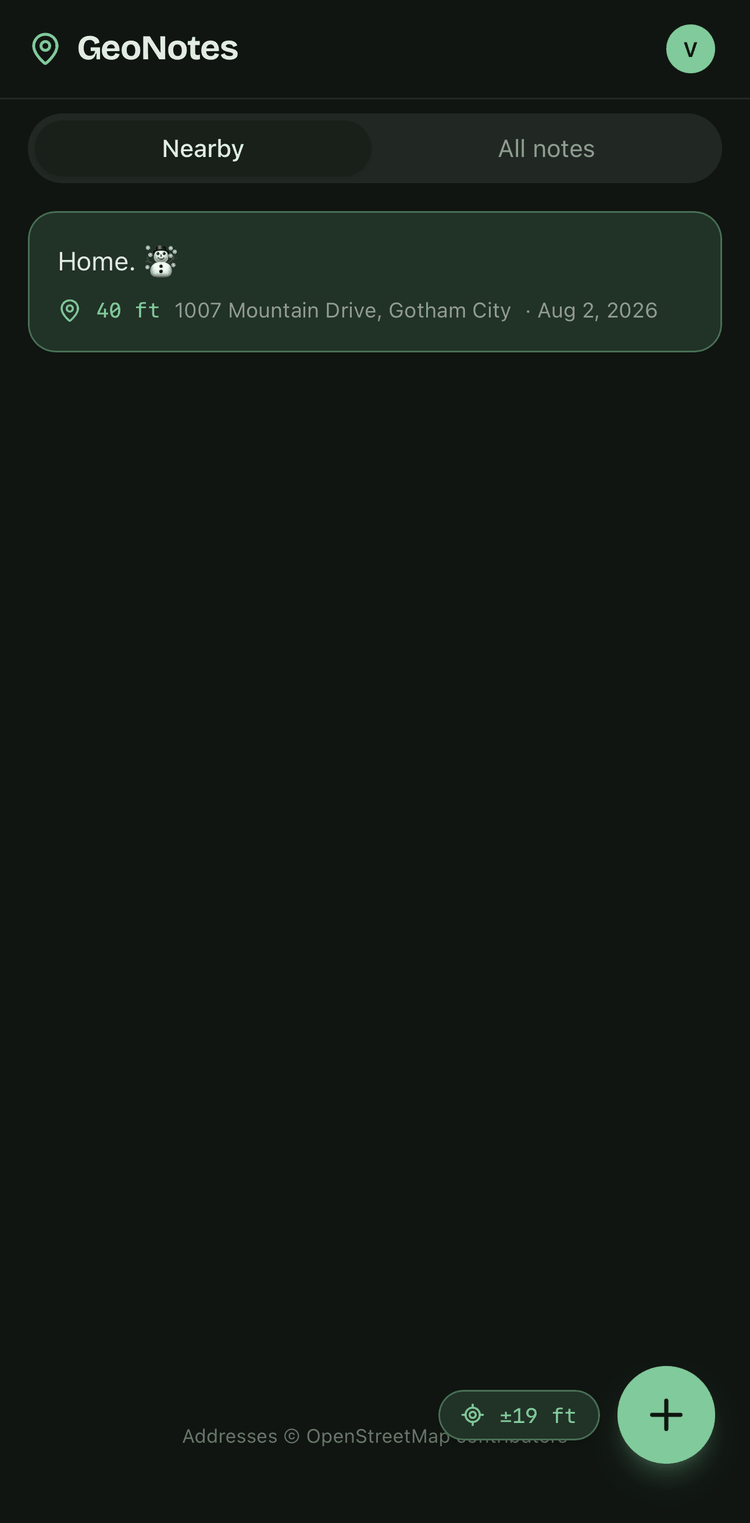
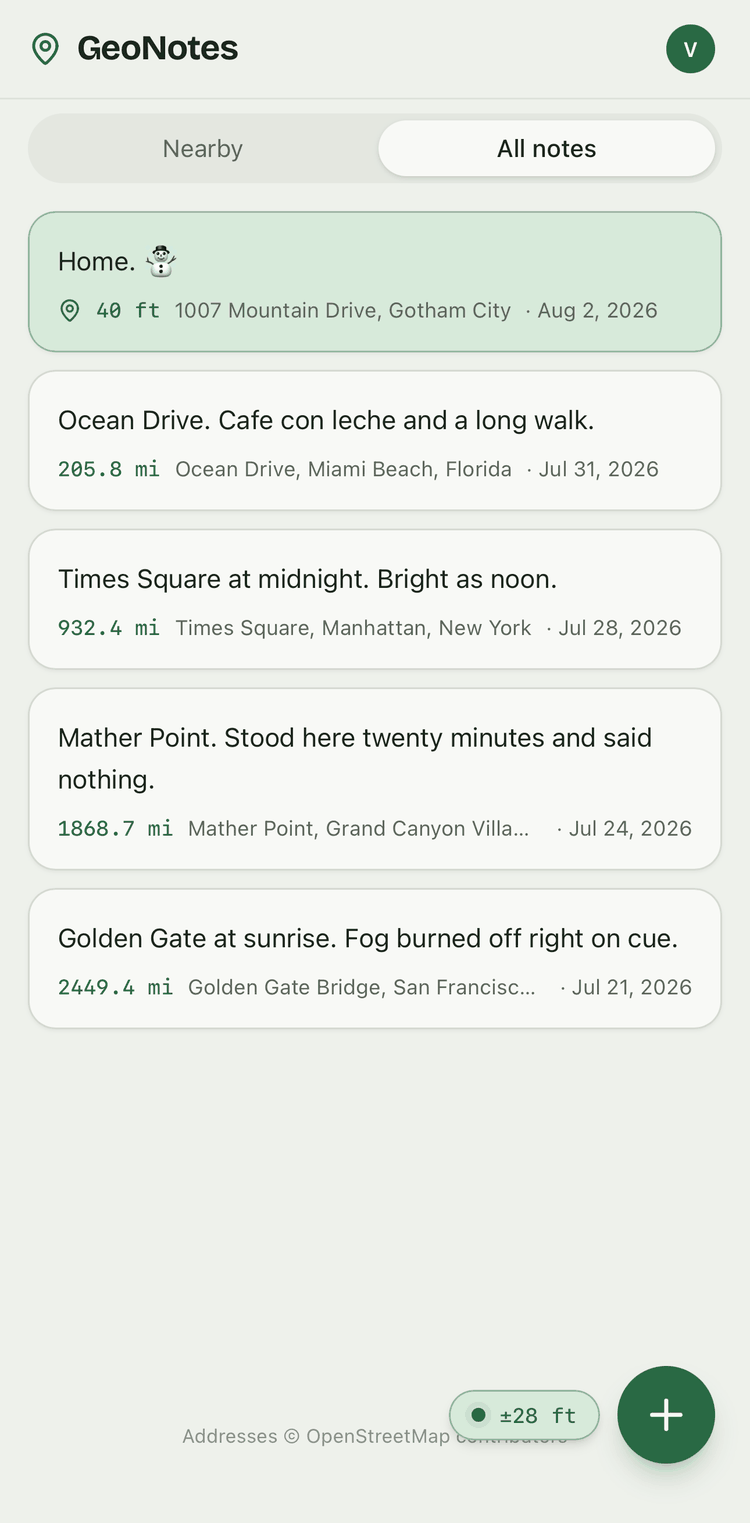
A warm off-white by day, near-black by night, or pinned to whichever you prefer.
GeoNotes does one thing. Everything below exists to make that one thing dependable.
The location is read from your device the moment you tap +, never typed in. Edit the text from anywhere.
Read, write, edit and delete with no connection at all. Nothing queues behind a spinner. Sign in and your changes sync when you are back.
Open it and start writing. An account exists only if you want the same notes on a second device. Add one later and the notes already on your phone come with you.
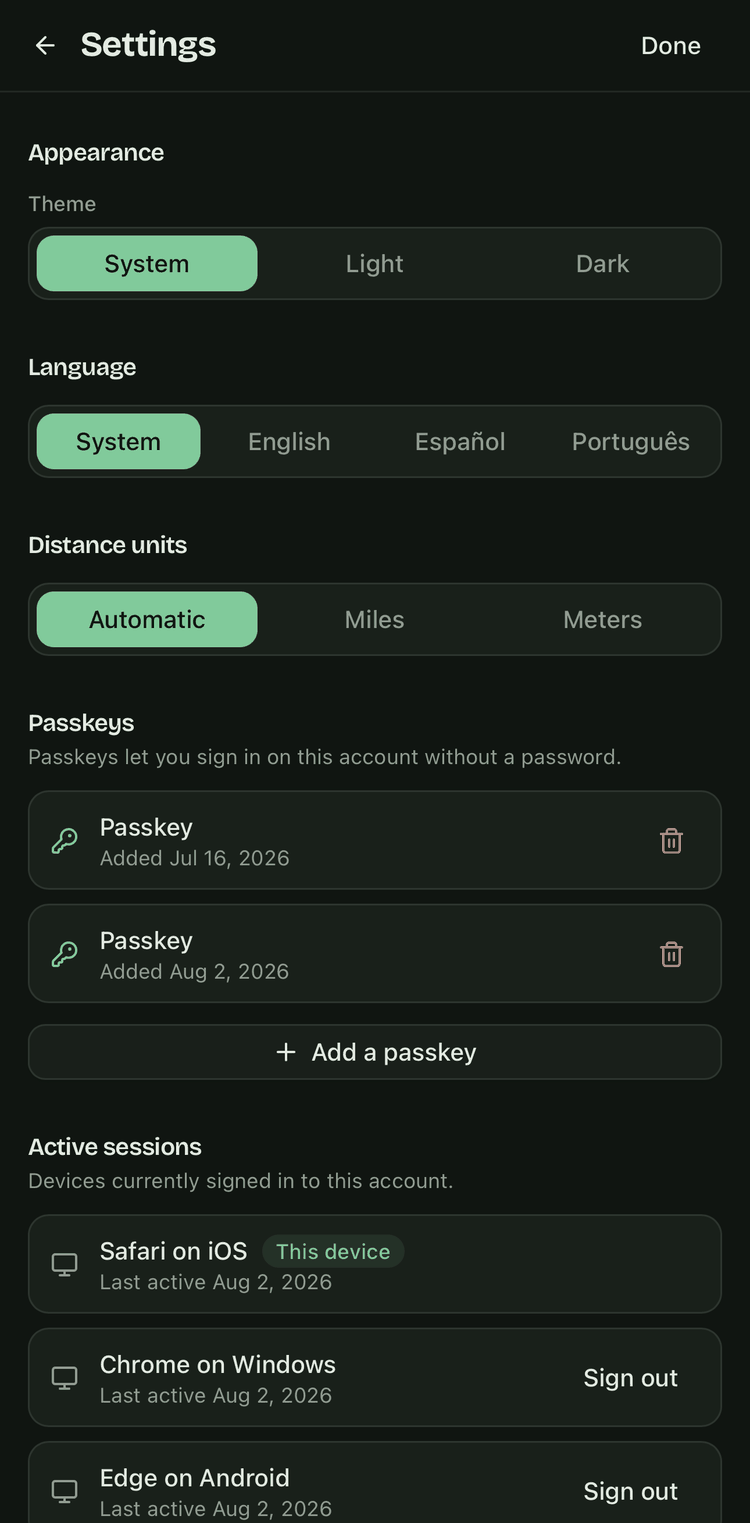
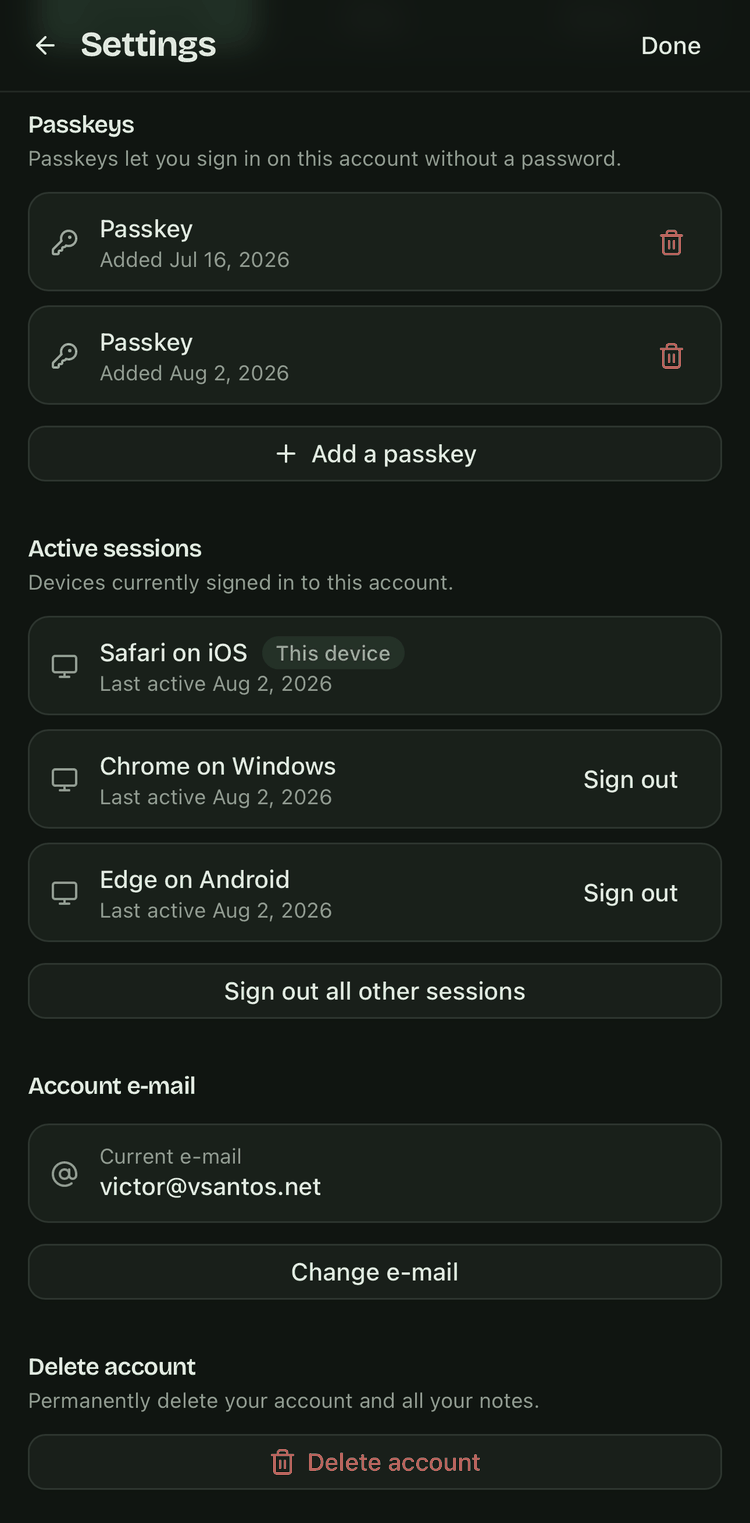
Sign in with a six-digit code sent to your e-mail, then add a passkey. There is no password for you to reuse and none for us to leak.
English, Spanish or Portuguese, chosen from your device the first time you open it. Change it in Settings whenever you like.
A live accuracy readout shows how good the fix is. GPS polling shuts off the moment it locks, so the app does not sit there draining your battery.
Here is what the app does and does not do.
Used without an account, GeoNotes keeps every note in your device's own storage. Only the coordinates go out, to OpenStreetMap, to turn a pin into a street name. With an account, we hold your e-mail address and your notes, each with the exact coordinates it was saved at, and nothing more about you. We also count how often each screen is opened, so we know which features earn their place; those counts are never tied to your account or anything you've written. Read the full Privacy Policy.
Deleting your account is one tap in Settings, with no e-mail to write and no reason to give. Everything goes: your notes, your passkeys, your sessions and the account itself. There is a 30-day grace window in case the tap was an accident: recover the account with a code sent to your e-mail, add a passkey again, and everything comes back. After that it is erased for good, automatically, with no archived copy kept.
No longer have the app installed? You can delete it from the web instead.
No sign-up form, no e-mail, no onboarding carousel.